By
Knowledge Coop
•
August 21, 2026


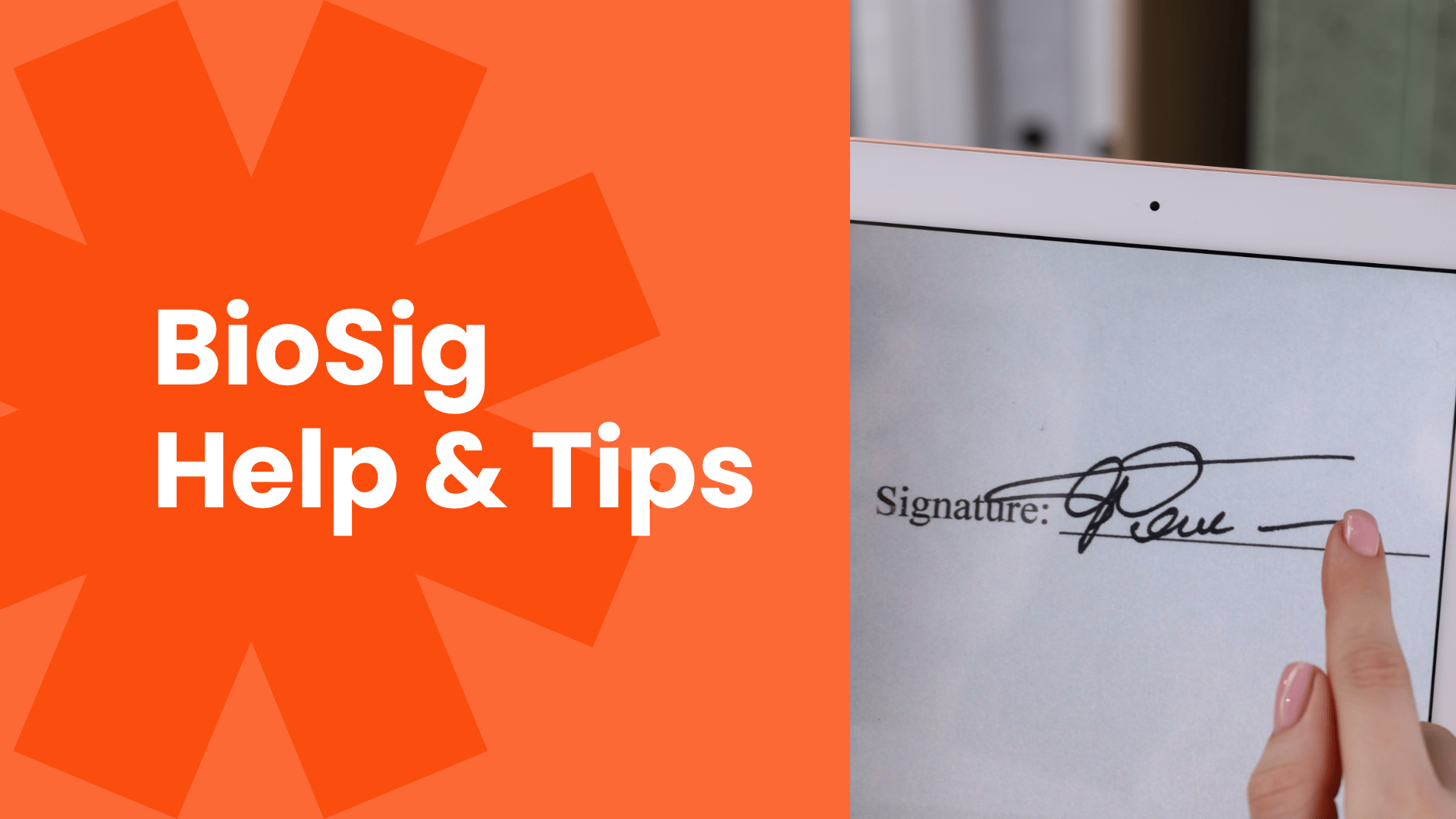
Having trouble with BioSignature verification for your NMLS education course? Whether you need to reset your BioSig, aren't receiving the reset email, or can't get your BioSig to verify, there are several common causes.
The most important thing to know is that The Knowledge Coop cannot reset an MLO's BioSig password or BioSignature. BioSig is a third-party identity verification system, not a product owned or controlled by Knowledge Coop.
However, we can help MLOs troubleshoot account information and identify common issues that may prevent BioSig from working correctly.
Watch a sign-up tutorial here.
To initiate a BioSig reset, purposefully fail the BioSig verification three times. After three failed attempts, BioSig should send a reset email that allows you to create a new BioSignature/password.
Here’s how:
For additional information, visit the official NMLS BioSig-ID Help page.

A BioSig reset may be sent to an old email address when the identifying information being submitted does not correctly match the MLO's current record.
BioSig uses matching information to determine which record is associated with the reset request. A mismatch may cause the system to associate the request with older information.
Check the following carefully:
Even a small discrepancy may prevent BioSig from finding the record you expect.
Knowledge Coop cannot change the BioSig password itself, but we can help verify that an MLO's information in Knowledge Coop matches the appropriate NMLS information. Correcting an error on our side may allow BioSig to recognize the correct record and current email address.
If your BioSig email address is correct but the password reset email isn't arriving, first check your spam or junk folder. Then check whether your company's email security, network, or VPN could be blocking the message.
If you're using a work email account or work computer, your organization's security policies may prevent BioSig emails from reaching your inbox.
Try these troubleshooting steps:
BioSig doesn't only evaluate which symbols you draw. It also analyzes characteristics of how you draw them.
Factors can include:
This means drawing a symbol that visually resembles your original symbol may not always be enough. You should try to reproduce the same symbol in the same way each time.
Simple, straight-line symbols are generally easier to reproduce consistently than complicated or rounded symbols.
Examples of easier-to-repeat symbols include:
7 · 1 · L · I · < · > · V · N · M · /
The goal isn't simply to create an easy symbol. It's to choose something you can reproduce with a similar shape, direction, positioning, and speed every time.

Don't use repeating symbols or multiple symbols that look nearly identical.
Instead, make each symbol visually distinct so the BioSignature can be reproduced consistently.
Use points on the BioSig grid as reference points for where you begin, change direction, and end each symbol.
For example, if you draw an L, try to begin and end the strokes at approximately the same grid locations every time.
Try to draw each symbol at approximately the same speed each time.
BioSig verification considers more than the finished appearance of your BioSignature, so dramatically changing how quickly you draw it can make successful verification more difficult.
Yes. Your identifying information needs to match correctly for BioSig to associate you with the appropriate record.
Pay particular attention to:
Name matching can sometimes be complicated by limitations in how certain fields are represented within education-provider systems. If you believe your name is contributing to a BioSig problem, contact The Knowledge Coop so we can verify the information available on our side.
When available, consider attending live mortgage education classes. Choosing live education can reduce your reliance on the BioSig verification process associated with certain online education experiences.
If you do need to use BioSig, your best approach is to keep things simple: use distinct symbols, use the grid as a reference, reproduce the same movements and speed, and make sure your identifying information is accurate.
If you're stuck on BioSig, check these items before contacting support:
For official BioSig guidance, refer to the NMLS BioSig-ID Help page.
If the problem appears to involve your information within Knowledge Coop, contact our team. While we cannot reset BioSig directly, we can help verify your account information and troubleshoot potential mismatches.
The key distinction: The Knowledge Coop can help troubleshoot your information, but BioSig resets and BioSignature management happen through BioSig, not through Knowledge Coop.