By
Knowledge Coop
•
November 19, 2026


We've upgraded quizzes in Enterprise Coop to make it easier to assess employee knowledge, provide meaningful feedback, simplify grading, and track training progress.
Our latest release gives admins more control over how quizzes are created and managed, with customizable quiz settings, expanded grading capabilities, and improved performance insights. These enhancements help organizations create more effective assessments while reducing administrative work.
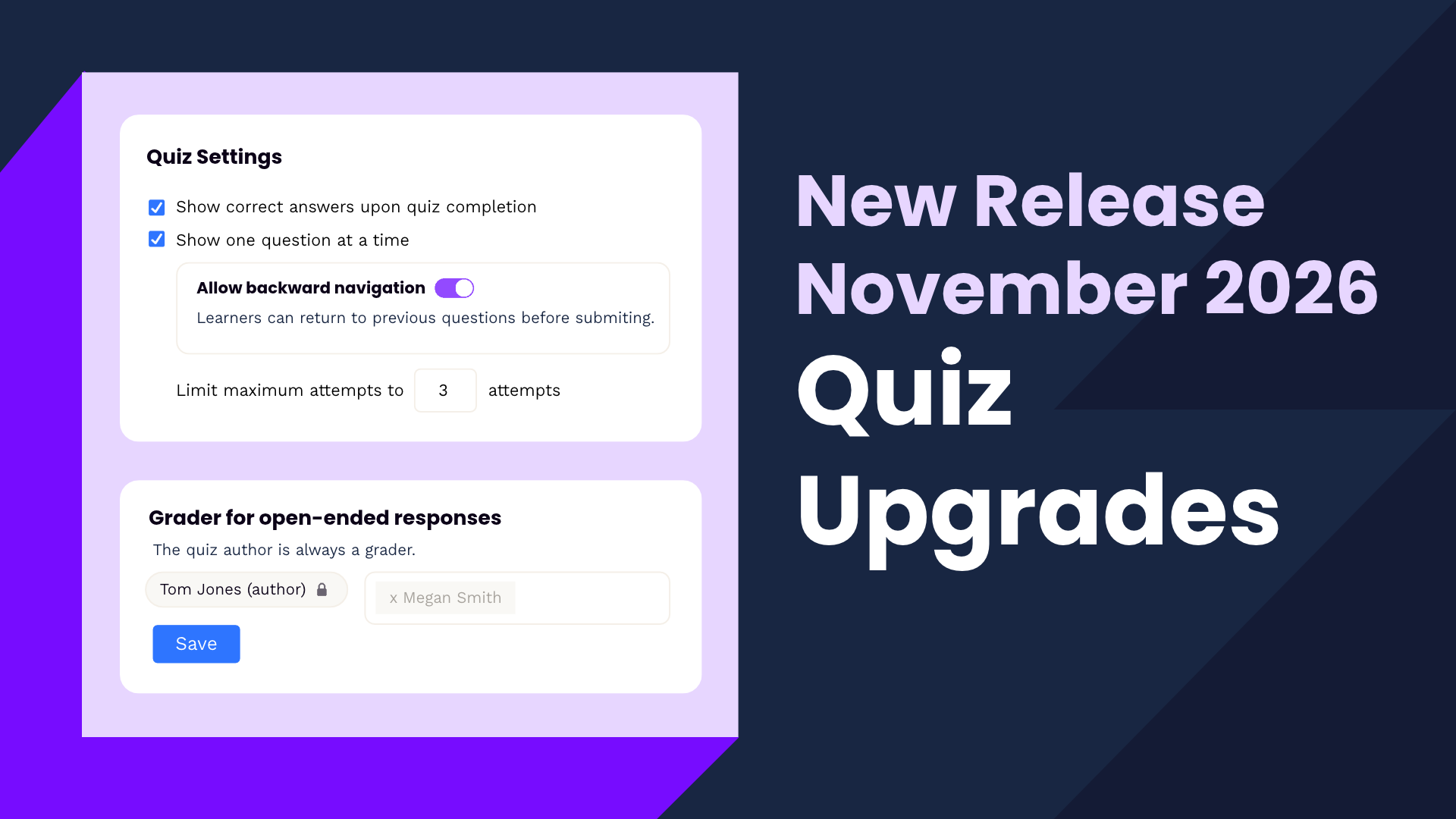
Not every quiz needs to work the same way. New settings let admins tailor assessments to different training requirements, with more control over how learners complete quizzes and review their results.
When creating a quiz, admins can now:
These options give admins more flexibility to create assessments that align with their organization's training goals.
Quizzes are an opportunity to reinforce learning, not just measure it. Quiz creators can now add answer-specific feedback to individual questions, providing additional context or explanations whether a learner answers correctly or incorrectly.
We've also introduced new tools to make grading more collaborative:
Together, these enhancements help organizations provide more meaningful feedback while making the grading process more manageable.
The Statistics tab now provides more insight into quiz activity, along with additional tools for managing individual learners.
Admins can see how much time each user spent completing a quiz, adding useful context when reviewing assessment results.
They can also grant additional attempts to individual users directly from the Statistics tab, even when an attempt limit has already been set. This allows admins to accommodate individual needs without changing quiz settings for everyone.
These enhanced quizzing features are now live in your Coop! Log in to explore the new settings and see how they can help you create more flexible assessments, simplify grading, and support employee learning.
Want a closer look? Contact our Customer Success team to schedule a personalized walkthrough of the updates and learn how to make the most of these new tools.